CH 03 · A look inside
Talk. Chat.
Find each other.
CH 01 · Peer-to-peer mesh
ChirpChirps turns the iPhones around you into a private walkie-talkie mesh. Your voice hops phone to phone over Bluetooth and peer-to-peer Wi-Fi — no cell towers, no internet, no accounts, no servers to trust.
CH 02 · How it works
No sign-up, no account, no phone number. Pick a callsign and you're on the mesh.
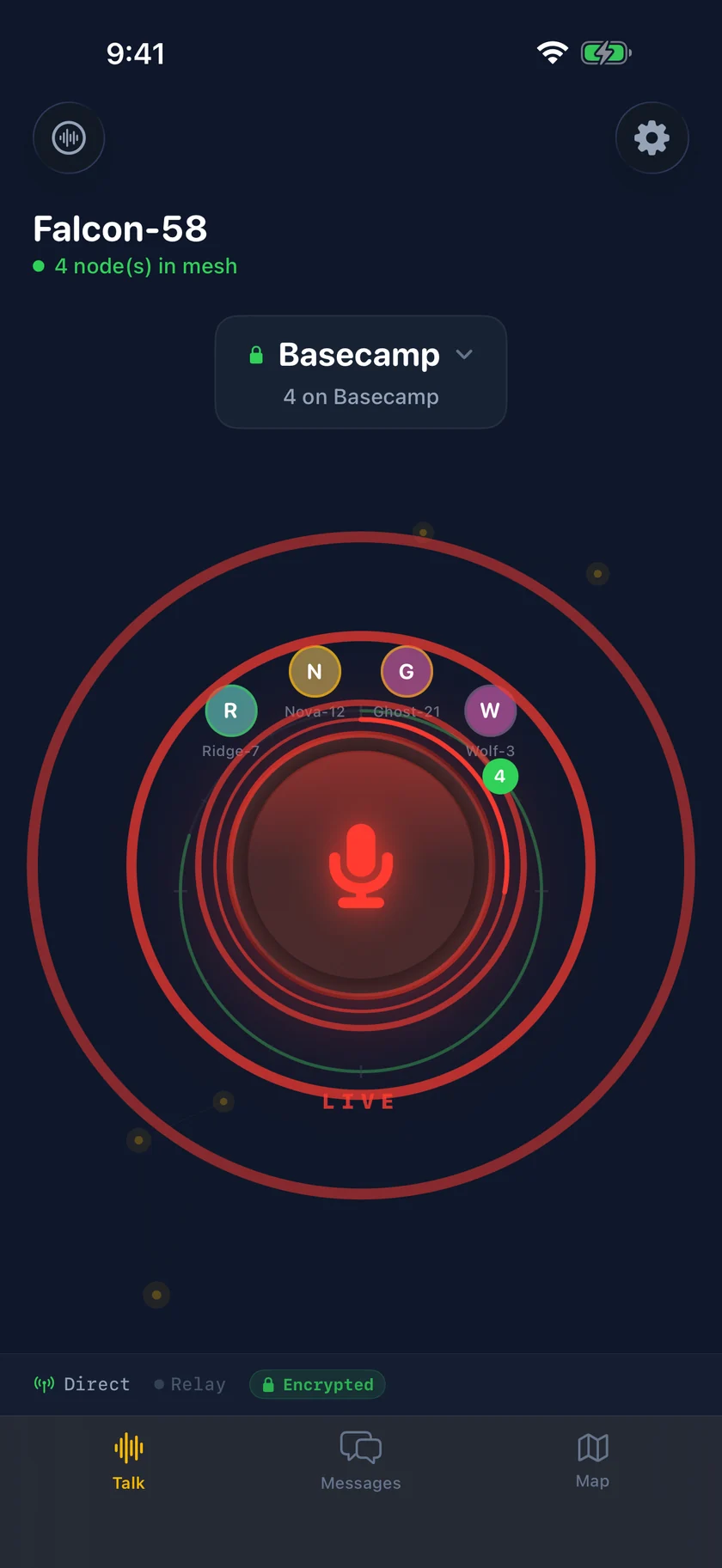
The PTT button transmits your voice to everyone on your channel. Release to listen.
Out of range? Your signal hops through the phones between you. Five devices cover about a kilometer.
CH 03 · A look inside
CH 04 · Capabilities
Opus voice that adapts to the link, up to 24 kbps. Hold the button and talk.
Every phone is a relay node. Packets hop device to device with TTL routing and automatic deduplication.
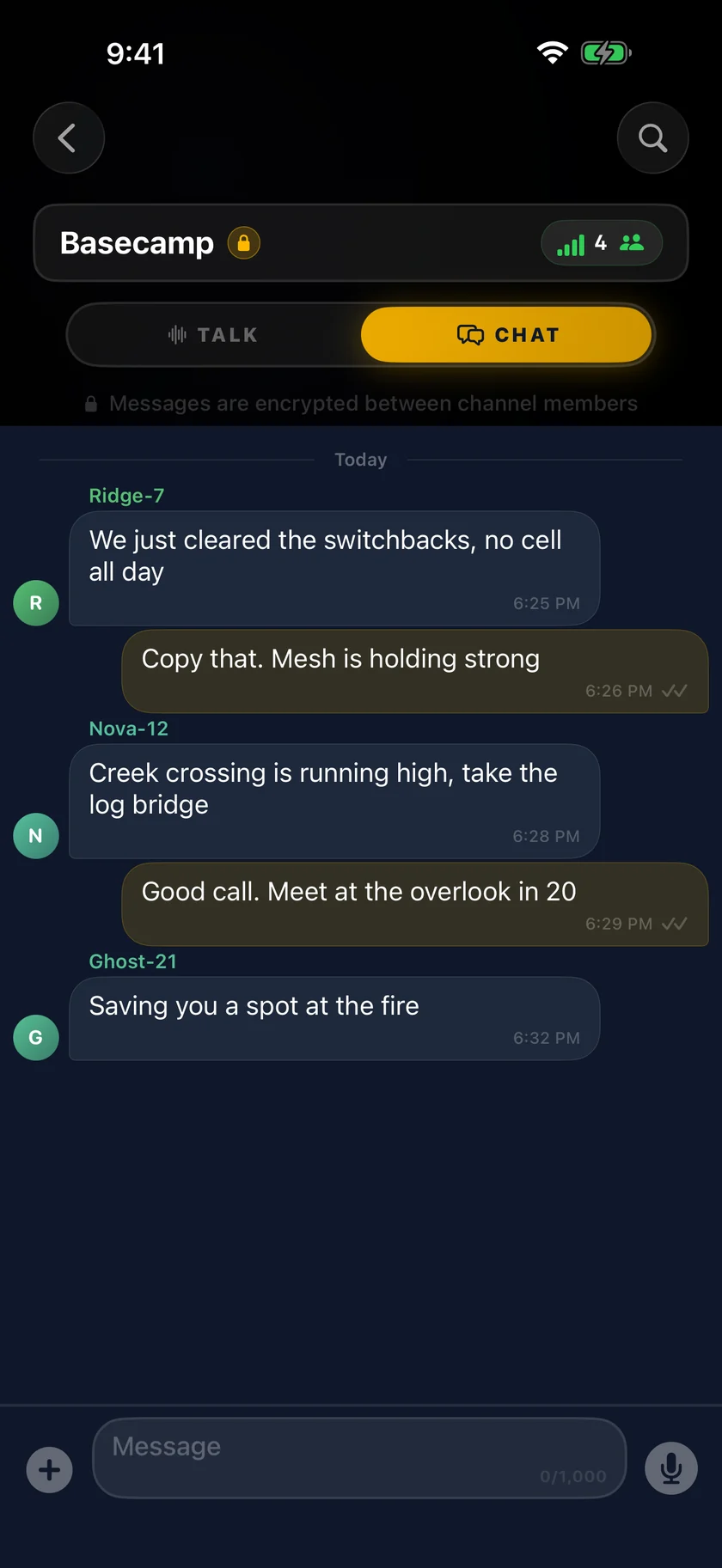
Type when you can't talk. Messages ride the same mesh as voice for a fraction of the bandwidth.
On-device speech recognition captions incoming voice as it plays. Read what you couldn't hear.
AES-256-GCM between channel members, Ed25519 device identity, keys held in the iOS Keychain.
Friend out of range? The message waits on your phone and delivers itself the moment they're reachable.
Send pictures straight to the phones around you. Compressed for the mesh, uploaded nowhere.
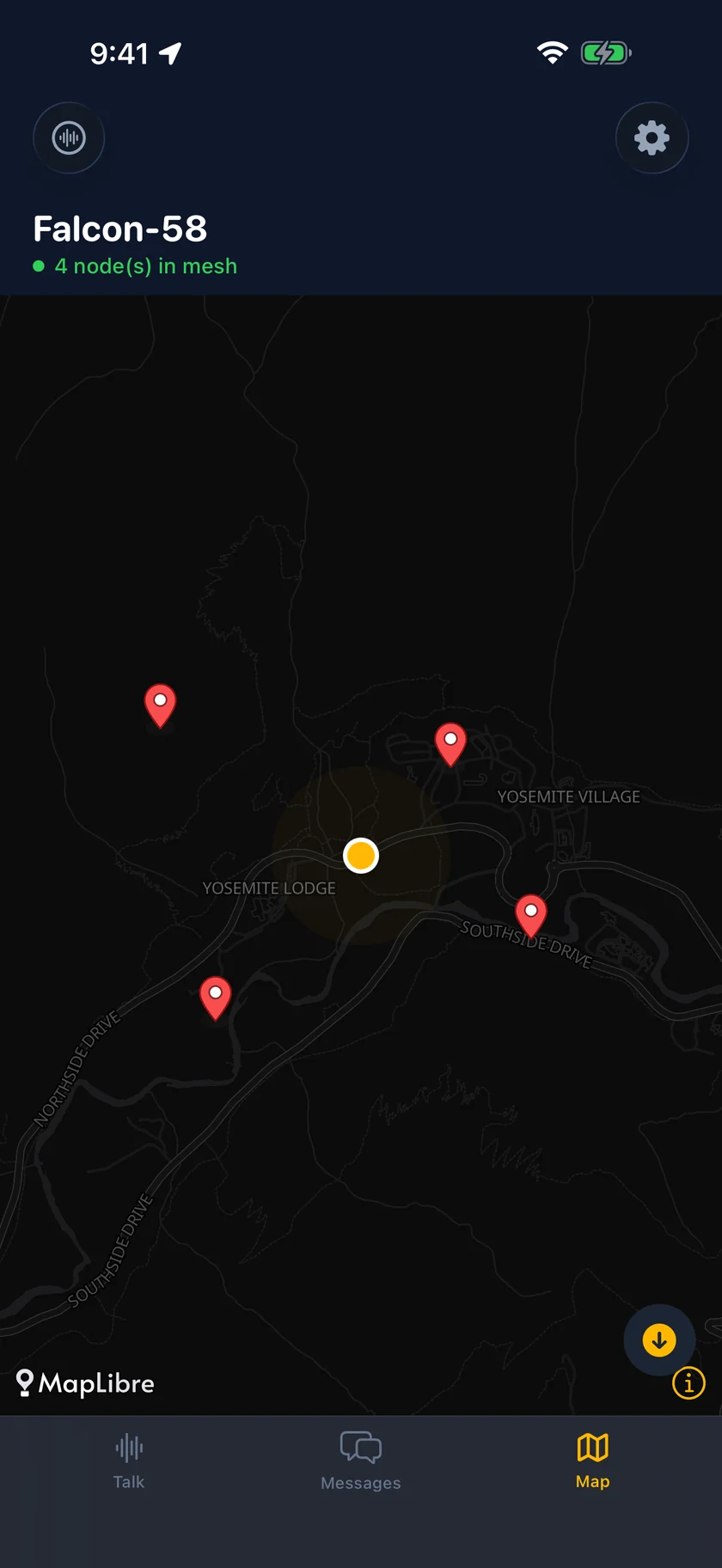
Download map regions ahead of time, then watch your group move across them without a signal.
Silence any peer instantly. Report abuse from inside the app — no server needed to protect yourself.
CH 05 · Under the hood
Mesh links are shared and slow. Every byte the app spends is a byte the people around you don't get.
CH 06 · Built for
No towers for miles. Your group stays connected across ridgelines and valleys.
Eighty thousand people overwhelm a cell tower. A mesh gets stronger with every device that joins it.
No SIM, no roaming, no plan. Talk to the people you came with, in any country.
Warehouses, film sets, ski patrol, festivals — teams that work close together and can't count on coverage.
ChirpChirps is not a substitute for emergency services and should not be relied on for life-safety communication. Range and delivery depend on radio conditions, device placement, and how many devices are nearby.
CH 07 · Join the mesh
Every phone that installs ChirpChirps extends the mesh for everyone else standing nearby.